


facebook twitter linkedin
facebook
 
 
deej iPhone 


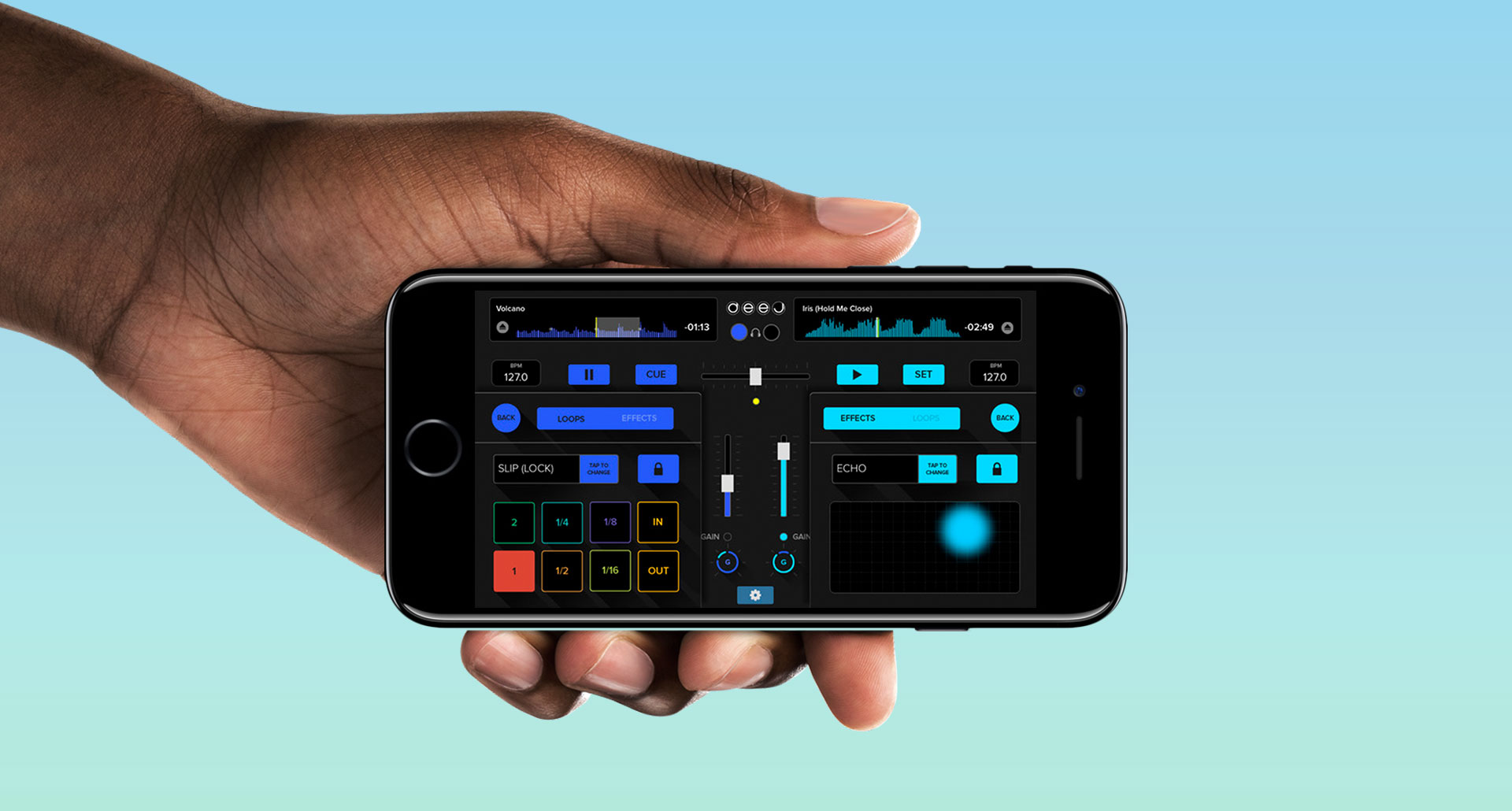
Release of the new deej for iPhone!

You can now get your deej for iPhone for just $0.99, special release offer. Mixing and DJing has never been so easy on your iPhone:

- Waveform!!
- Double click to reset controls to initial position
- Save cue points
- Visible cue point position
- Reset controls on load song
- Save waveform information
- iPad Retina & iPhone5
- Copy-paste songs
- Load recording into track
- Headphone detection and warnings
- General gain increased
- equalizers centered by default 

Enjoy mixing your music everywhere with the new deej for iPhone!!

If you have any suggestion, please feel free to write us at: This e-mail address is being protected from spambots. You need JavaScript enabled to view it . That's the best way to tell us what you miss in deej, what we should improve or any ideas that may push deej to the next level. We are all ears!


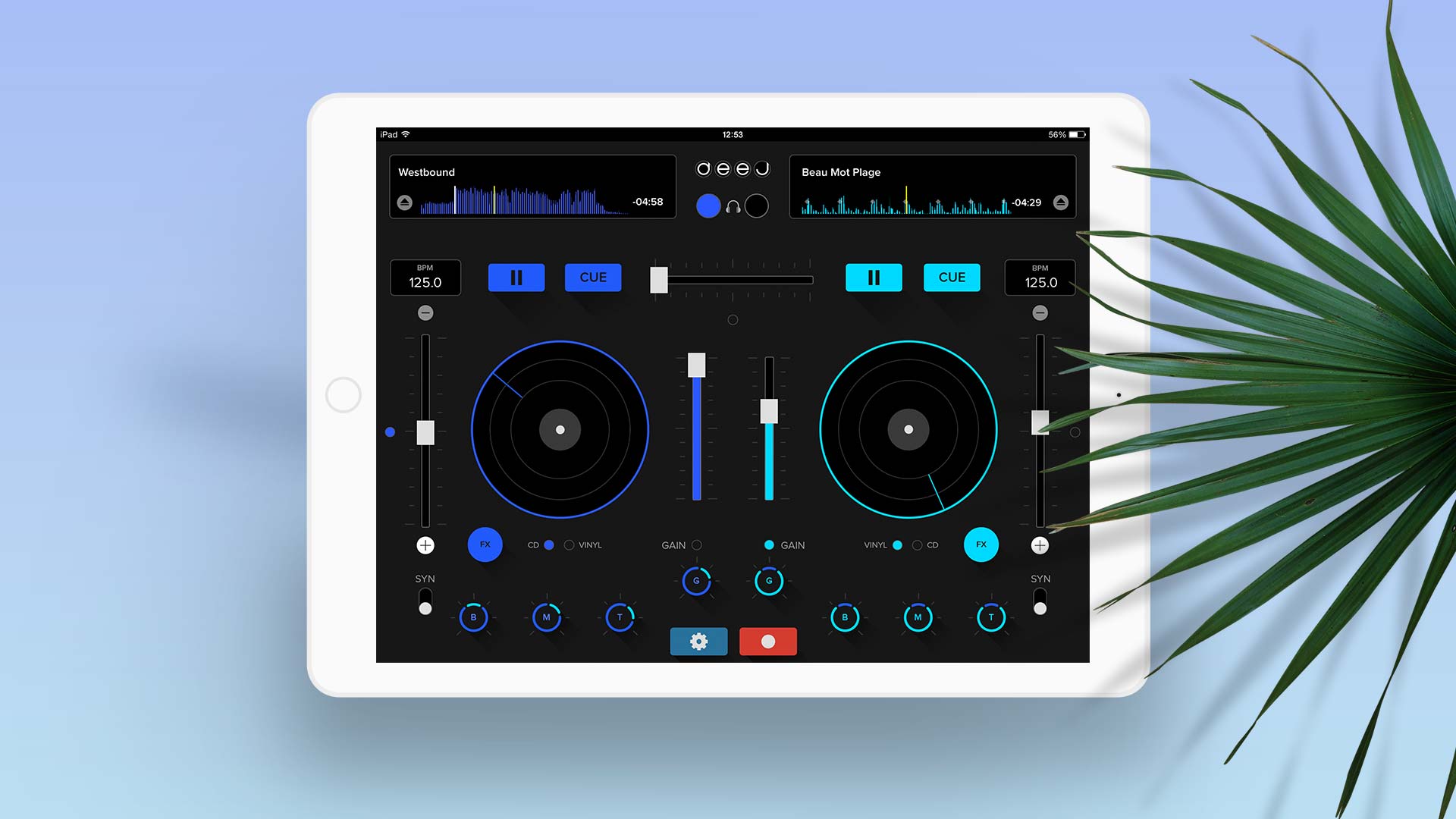
iPad-3 0 waveform 

Update to deej 3.3!

There is a new version of deej available on the App Store, we have solved all issues known in version 3 waveform edition, the most important the ones for devices running iOS 4.3. Now we can focus on loops & effects, that's what you have asked for and we are working hard to release with deej 4.0 in a few weeks. Loops are almost done and we are starting with effects. 

We have been very busy lately, deej had a huge success during the last Mobile World Congress in Barcelona, and with your help we were able to reach the top ranks all over the world.

Keep sending us your feedback, and tell us what you miss the most about deej, that's the best way for us to keep working.

 We are working hard to give you the best DJ experience and this is all you get with version 3.3 of our deej mixer:

- Waveform
- Double click to reset controls to initial position
- Save cue points
- Visible cue point position
- Reset controls on load song
- Save waveform information
- iPad Retina & iPhone5
- Copy-paste songs
- Load recording into track
- Headphone detection and warnings
- General gain increased
- equalizers centered by default 

Enjoy mixing your music with deej 3.3!!

If you have any suggestion, please feel free to write us at: This e-mail address is being protected from spambots. You need JavaScript enabled to view it . That's the best way to tell us what you miss in deej, what we should improve or any ideas that may push deej to the next level. We are all ears!

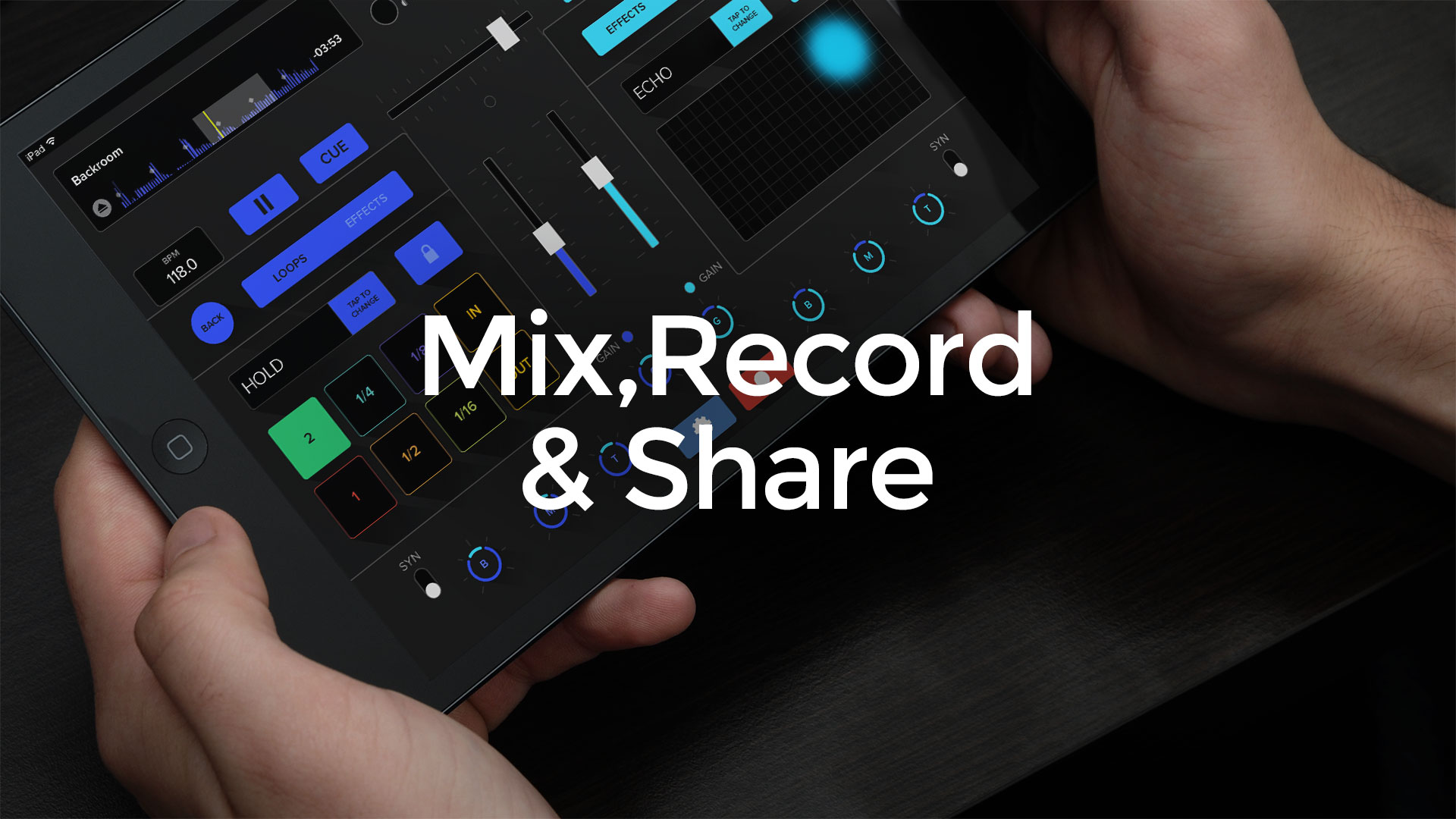
Do you still play your own music? Stop just listening to your library and start mixing your songs with this interactive and addictive mixing table. Now you can mix, record and share your own music. DJing's never been so easy!! 

M4P audio files cannot be mixed using deej

Unfortunately, M4P protected files from iTunes cannot be mixed using our deej. If you find that an audio file is protected, we are sorry to tell you that there is no chance of mixing that song with deej. You may play it with deej, but it cannot extract the samples from the file, so it is not possible to mix those files with the app.

We have found another problem we are trying to solve as soon as possible: if you notice that when you click on the "Play" button it doesn't work, it is probably because you have played the audio on another app and the OS doesn't allow to play back the audio on deej. We are working hard on a solution for this problem that is affecting some users. If you are experiencing these problems or any other you may find, please let us know as soon as possible to work on the solution by emailing us at: This e-mail address is being protected from spambots. You need JavaScript enabled to view it


m4p files

deej on TV

Watch our leading engineers in Catalonian TV show: Generació Digital in Canal 33. Great report of our mixer app.

If you have any suggestion, please feel free to write us at: This e-mail address is being protected from spambots. You need JavaScript enabled to view it . That's the best way to tell us what you miss in deej, what we should improve or any ideas that may push deej to the next level. We are all ears!

Do you still play your own music? Stop just listening to your library and start mixing your songs with this interactive and addictive mixing table. Now you can mix, record and share your own music. DJing's never been so easy!! 

iTunes Match not working properly with deej

If you are used to work with iTunes Match, here is an advise for you: you have to download the files to your device before start playing those songs in deej. If you haven't download the songs, deej won't be able to play your songs, so make sure you download the songs you want to mix with deej. We are working in a new version that will help you realize when a song is not downloaded from your iTunes Match by highlighting it with another color.

icloud download